

Digital signage for museums has to do something no office screen ever worries about: earn its place next to the art without stealing the room. A bright panel that would look sharp in a lobby can throw glare across a painting, heat a sensitive artifact, or simply pull the eye away from the object a visitor came to see. Get the placement and the hardware right, and the screens disappear into the experience, guiding people, deepening a story, and quietly funding themselves. Get them wrong, and they fight the collection.
This guide is written from the display side of the work, so it leans into the hardware and the gallery realities, and it is honest about where a content-software partner picks up.
A quick answer before the details: a museum screen project can run from a few thousand dollars for a small welcome display to hundreds of thousands for a gallery of interactive walls. Where you land depends on how many screens, how large, and how many are LED video walls rather than standard panels.
Following a Visitor Through the Building
The easiest way to plan is to walk the building in your head, because each space asks something different of a screen. Traditional museum display signage was printed and static, and while a few panels still earn their keep, digital screens let a museum change a message in seconds.
At the entrance, a welcome display sets the tone and carries hours, ticket prices, and what is on today. Through the lobby, a large feature wall creates a first impression and can loop a trailer for the current exhibition, which is why a digital signage museum lobby is often the most-seen screen in the building. In the galleries, screens sit beside objects to add context, or stand alone as digital exhibits. Near the stairs and junctions, wayfinding keeps people moving and helps them find the show they came for. And in the cafe and shop, screens promote menu items and merchandise tied to the exhibits.
Good museum signage plans each of these as its own decision rather than buying one screen type and repeating it, because a gallery panel and a shop menu board have almost nothing in common. The digital signage museums get the most from is planned space by space, and every strong digital signage museum project starts with that map.
Choosing Displays That Respect the Art
This is where a museum project lives or dies, and it is the part every other guide skips. A screen in a gallery is not judged on brightness alone. It is judged on whether it serves the collection.
Three display types cover most museum work. A direct-view LED video wall is the choice for large welcome walls and big digital exhibits, because it scales to any size with no seams and holds a bright, even image. An LCD panel suits smaller interpretive screens and menu boards at a lower cost, and a museum touch screen display in this format lets visitors tap through a timeline or a collection. And projection still has a place for large, soft, atmospheric imagery where a hard-edged screen would feel wrong.
An interactive display museum visitors can control themselves earns longer engagement than a screen they only watch, so touch is worth the added cost where it fits. For most permanent installations viewed up close, an LED wall or a fine-pitch panel wins on clarity and lifespan.
Two hardware details matter more in a museum than anywhere else. Color accuracy comes first, since a screen showing a detail of a painting has to render color faithfully, or it misleads the visitor, so look for panels with strong color calibration. Pixel pitch is second. A wall people stand right in front of in a gallery wants a fine pitch, while a lobby feature wall read from across the hall can use a coarser one and cost less. Our fine-pitch indoor displays cover the close-viewing gallery work, and for a curved or shaped surface that follows an exhibit design, a display built to that exact form beats forcing a flat panel into the space.
The Part Only Museums Worry About: Heat, Light, and Quiet
Offices never think about this. Museums have to, and building it in early is far cheaper than fixing it after an installation.
Heat and light near sensitive objects come first. Screens give off both, and conservators care deeply about what reaches a painting, a textile, or a document. Preservation bodies such as the Northeast Document Conservation Center cap very light-sensitive materials, works on paper, textiles, and photographs, at about 50 lux, and a bright screen placed too close adds light and heat to that budget. So keep bright panels off sensitive artifacts, angle them away from glare on glass cases and framed works, and let the conservation team set placement and brightness before anything is mounted. Sound is next.
A gallery is often quiet by design, so a screen with audio needs directional speakers or a focused audio zone so one exhibit does not bleed into the next. And aesthetics matter more here than in any store: a good museum digital display is mounted flush, framed simply, and tuned to a brightness that supports the room rather than blasting it. These are not nice-to-haves in a museum. They are the difference between a screen the curators accept and one they quietly unplug.
Matching the Plan to Your Institution
Scope and budget swing hard with the size of the institution, so place yourself honestly before pricing.
A small local museum or historical society usually needs a modest set: a welcome screen, one or two interpretive displays, and maybe a single feature wall. This is very achievable, and a well-placed set of digital signage solutions for museums at this scale delivers a big lift for the money. A mid-size science center or regional museum adds interactive displays for museums throughout the galleries, wayfinding, and a real content operation behind them. A major art or history institution runs dozens of screens, several LED walls, custom exhibit media, and a full team. If you run a small or mid-size museum, the flagship installations you see online are not your benchmark, and chasing them wastes budget.
What Digital Signage for Museums Costs
Nobody in the top results will name a number, so here is an honest frame, keeping in mind that content software and creative work sit on top of the display hardware.
Within any range, the movers are the number of screens, how many are large-format LED, and whether you add interactive touch and custom exhibit content. The displays are a one-time cost. Content software and media production usually carry an ongoing or per-project fee, which the numbers above do not include. For a closer look at how the big feature walls alone are priced, our rundown of video wall pricing works through the per-square-foot math.
Making It Accessible to Every Visitor
A museum serves the whole public, so its screens carry an accessibility duty that a back-office display does not.
Public displays should meet Section 703 of the 2010 ADA Standards on mounting height, contrast, and readable text, so a visitor using a wheelchair or living with low vision can use them comfortably. Beyond the hardware, the content matters: pair audio with captions so a video works for both deaf and blind visitors, and offer key interpretive text in more than one language if your audience needs it. A museum information display that only speaks to able-bodied, English-reading visitors leaves people out, and building accessibility in from the start is far easier than retrofitting it after a complaint.
Paying for It
Museum budgets are tight, and this is the part that gets a project approved. Screens can carry their own funding in ways that fit a museum well.
The clearest is a digital donor wall. A dedicated screen that honors supporters and updates in seconds instead of needing a re-engraved plaque is one of the most popular uses of digital signage donor museum lobby installs. It often justifies its own cost through the giving it encourages. Grants for education technology or accessibility can fund exhibit displays. And local advertising or sponsorship, a nearby restaurant or a tour company on a lobby screen, brings in revenue that reaches a captive, culturally engaged audience. Many museums treat these together as a way to make the screens pay rather than just spend.
A Real Example: A Regional History Museum
Numbers make more sense with a real one. Picture a regional history museum with a dated entrance, paper event flyers taped to the wall, and a donor plaque that was full and expensive to update.
They put a direct-view LED video wall in the lobby to welcome visitors and loop exhibit trailers, added three LCD interpretive screens in the main gallery, and set up a digital donor wall beside the entrance. The display hardware came in around $58,000, with the content software and media handled by a separate signage partner the museum chose. Within a year, the donor wall had made adding new names effortless, and it helped the museum land a naming gift it could recognize instantly.
The lobby wall was also drawing sponsor interest from a local tour operator. The move that mattered was not the screen count. It was that they let the conservation staff set the gallery placements first, so no screen threw heat or glare on an artifact, and the curators backed the project instead of resisting it.
Where We Fit, and Where a Content Partner Does
Straight talk, since this trips up first-time buyers. Museum digital signage solutions come from two kinds of companies, and knowing which does what saves money.
We supply the display hardware, LED video walls, feature walls, and fine-pitch indoor screens, plus the design and installation of these displays. What we do not sell is the content management system, the museum kiosk software, or the custom exhibit media produced by a creative studio. The ready-made HD digital signage templates for museum screens that make content quick to build also come from that software side, not the hardware. In a real project, the pieces work together: the software partner runs the scheduling and interactive content, and the screens carry it out. If you are planning digital signage for museum spaces and comparing options for digital signage in museums, sort your project into those two buckets early, and both your quotes will be cleaner for it.
Gallery-Ready Panels We Build
If you are weighing the display side, here are three of our series that suit museum work, from an ultra-fine screen for close gallery viewing to a large lobby wall. Tell us the space and the viewing distance, and we will point you to the right one.
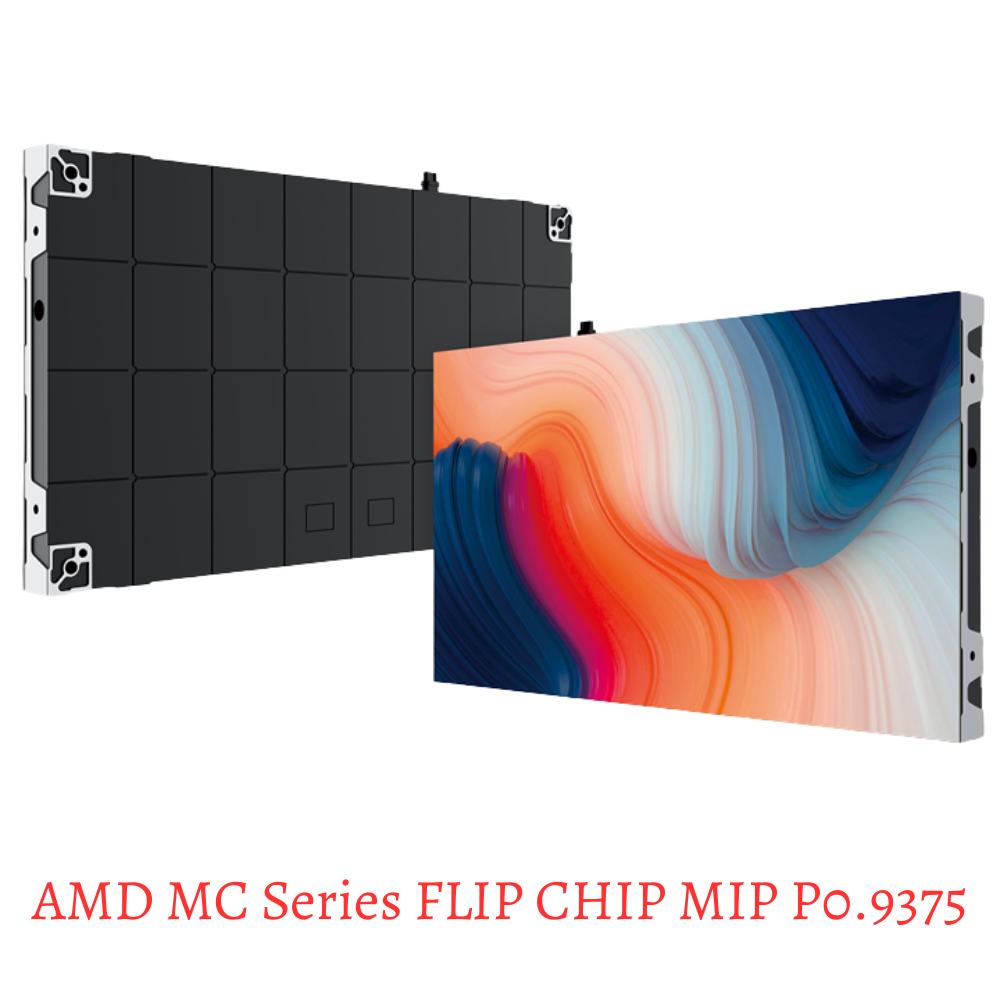
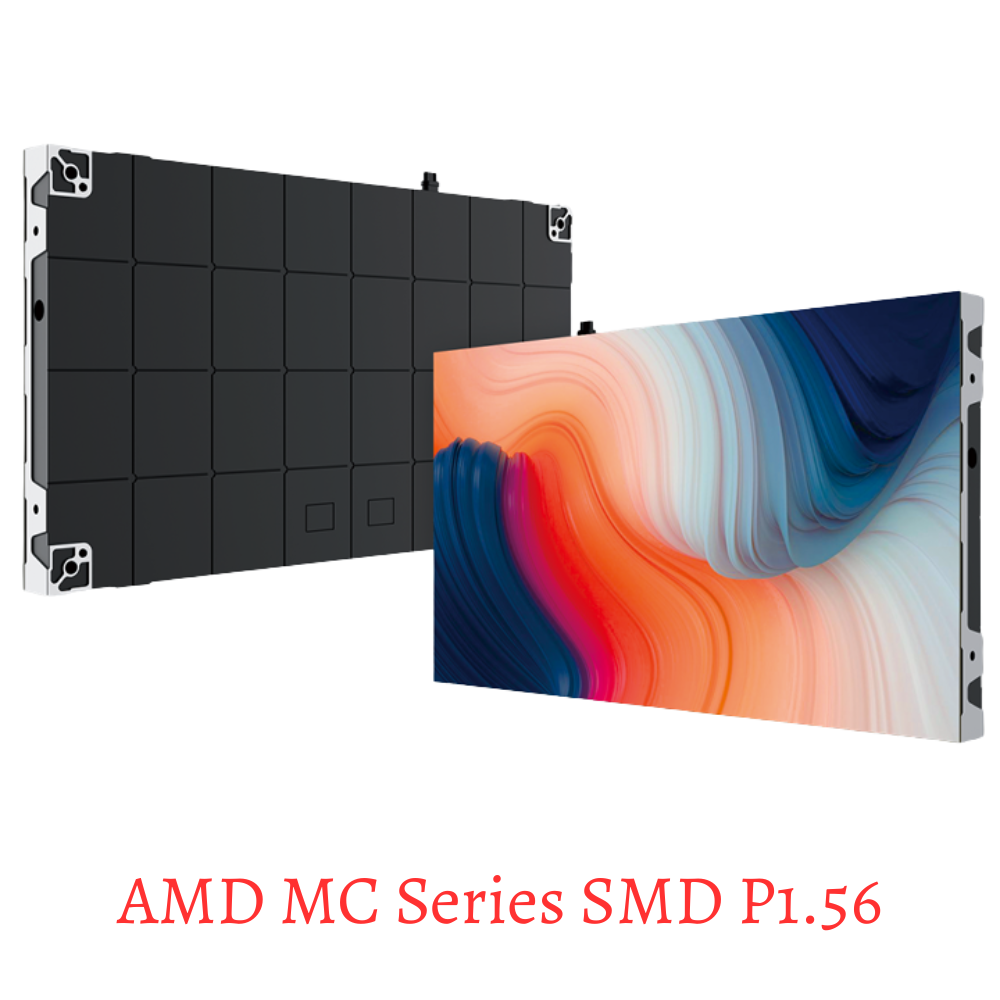
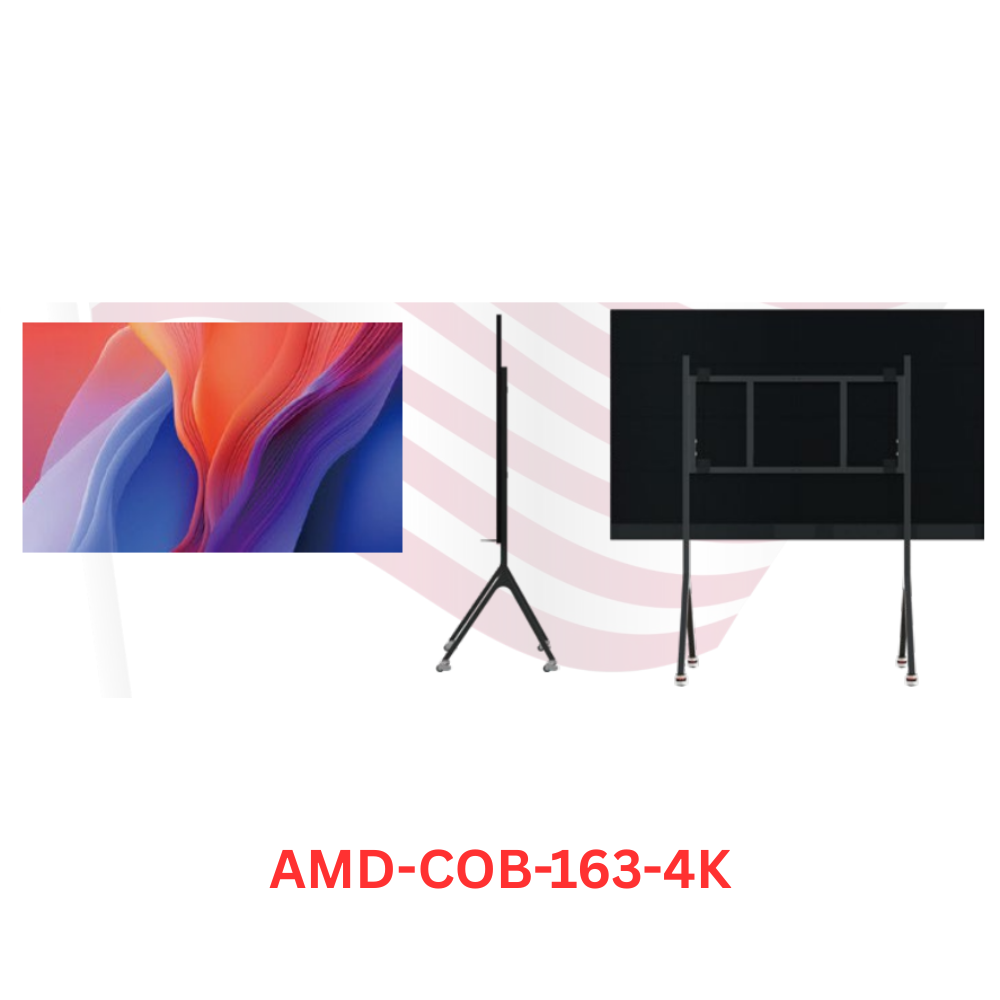
For an outdoor banner screen at the entrance plaza or a parking structure, our weather-rated outdoor range covers the panels built to face the elements.
Frequently Asked Questions
What is digital signage for museums?
It is the network of screens that welcomes visitors, guides them, adds context to exhibits, and honors donors, from lobby video walls to gallery displays and wayfinding.
How much does museum digital signage cost?
Display hardware runs roughly $5,000 to $40,000 for a small museum and into the hundreds of thousands for a major institution. Content software and media are added on top.
What screens are best for a museum gallery?
For close viewing, a fine-pitch LED wall or a color-accurate LCD, placed to avoid heat and glare on nearby artifacts. Projection suits soft, large atmospheric imagery.
What is a digital donor wall?
A screen that recognizes supporters and updates instantly, replacing an engraved plaque. It is a popular, flexible way to acknowledge giving in a lobby.
Do you supply the content software too?
No. We supply and install the LED display hardware. The content system, kiosk software, and exhibit media come from a signage software or creative partner.
Ready to Get Started
Done well, digital signage for museums guides visitors, brings exhibits to life, and helps fund itself, all without ever competing with the collection. Get the display side right, placed with the conservation team and matched to each space, and the screens will serve the museum for years. When you are ready to plan the walls and gallery displays for your institution, our team can size them and give you a straight, itemized price.
