

The sign out front of a city hall, a school, or a park may be the piece of agency communication that most people actually see. Residents catch it from a car at the light or on the walk to the door, and whatever it says is the message of the day. Government LED signs carry that message, from meeting times and road closures to weather warnings and event notices, on a surface that changes in seconds instead of waiting for someone to swap plastic letters by hand.
What the Sign Does for an Agency
A sign that updates on command does far more than post a name. Agencies lean on these signs for a short list of daily jobs:
- Meeting and hearing schedules, office hours, and closures.
- Road work, detours, and parking changes near the building.
- Public safety and weather alerts, and in some places, Amber alerts or evacuation routing.
- Deadlines residents forget, like permit renewals, tax dates, and election reminders.
- Event notices, recognition, and simple welcomes for visitors.
Because the content changes from a desk, one sign covers all of it. For agencies that also run screens inside the lobby or along a plaza, the same scheduling habits carry over to their other outdoor signage displays.
Where the Sign Goes Decides Its Size and Mount
Placement comes before pixels. Where the sign sits sets how big it has to be, how it mounts, and how sharp it needs to look.
- A monument sign sits low and landscaped near the road, usually read from a car.
- A pole or pylon sign stands tall so it clears traffic and parked cars.
- A building face or wall mount puts the message at the entrance where people walk in.
- A double-sided sign speaks to traffic coming from both directions, which many roadside spots need.
An odd footprint, a historic facade, or a shared monument with the agency seal often calls for a custom-built sign rather than a stock cabinet. Settle the location and the mount first, and the rest of the spec follows from it.
How to Size and Spec Government LED Signs
Once the spot is set, three choices shape the sign. Pixel pitch comes first, because it sets how close someone has to be before the text turns into dots. A sign read from a moving car can use a coarser pitch and stay legible, while a sign people read on the sidewalk a few feet away needs a finer one. Size follows the farthest reader who still has to make out the smallest line. Then comes single or double-sided, which doubles the panel counts when traffic runs both ways.
Government LED signs also live outdoors for years, so the cabinet has to be sealed against rain and dust, usually to an IP65 rating on the face, and the content software has to be simple enough that whoever runs the front desk can post a message without calling a vendor. A message sign is a different build from a full outdoor video wall, and sizing it for the road rather than for a plaza keeps the cost where it belongs.
Brightness and the Night Rules You Have to Meet
An outdoor sign has to punch through direct sun by day, so it runs bright, often several thousand nits. At night, that same brightness blinds drivers and draws complaints, which is why nearly every municipal sign code sets a night limit and requires the sign to dim on its own. Many local codes follow the common benchmark of about 0.3 footcandles over the surrounding light, measured at a set distance, and they expect an ambient light sensor to pull the brightness down automatically after dark. Specify the sensor and the dimming schedule up front. A sign that cannot dim itself turns into a code problem the first week it is on.
The Interactive Option for Indoor Service
Out front, the sign broadcasts. Inside the building, interactive displays for government do the opposite and let a resident tap through to what they need. These are touch kiosks for wayfinding, permit lookups, bill pay, and simple self-service at a counter that is always open. The catch is accessibility. A public kiosk is information and communication technology, so it falls under Section 508, which sets reach height, screen reader support, and controls that work for people with disabilities. Plan those self-service kiosks around Section 508 from the start, because retrofitting accessibility into a finished kiosk is slow and expensive.
Paying for the Sign With Public Funds
A sign bought with federal or grant dollars comes with strings. The Trade Agreements Act and Buy American preferences decide which hardware qualifies, and a low-cost import that cannot document its origin can stall the purchase in review. This is exactly where imports fail sourcing, so it pays to specify compliant hardware from the first requirement. Beyond sourcing, ask about the warranty length, who services the sign when a module fails in year four, and whether the content software is included or sold as a subscription. Government LED signs are a ten-year purchase, and the service plan matters as much as the panel.
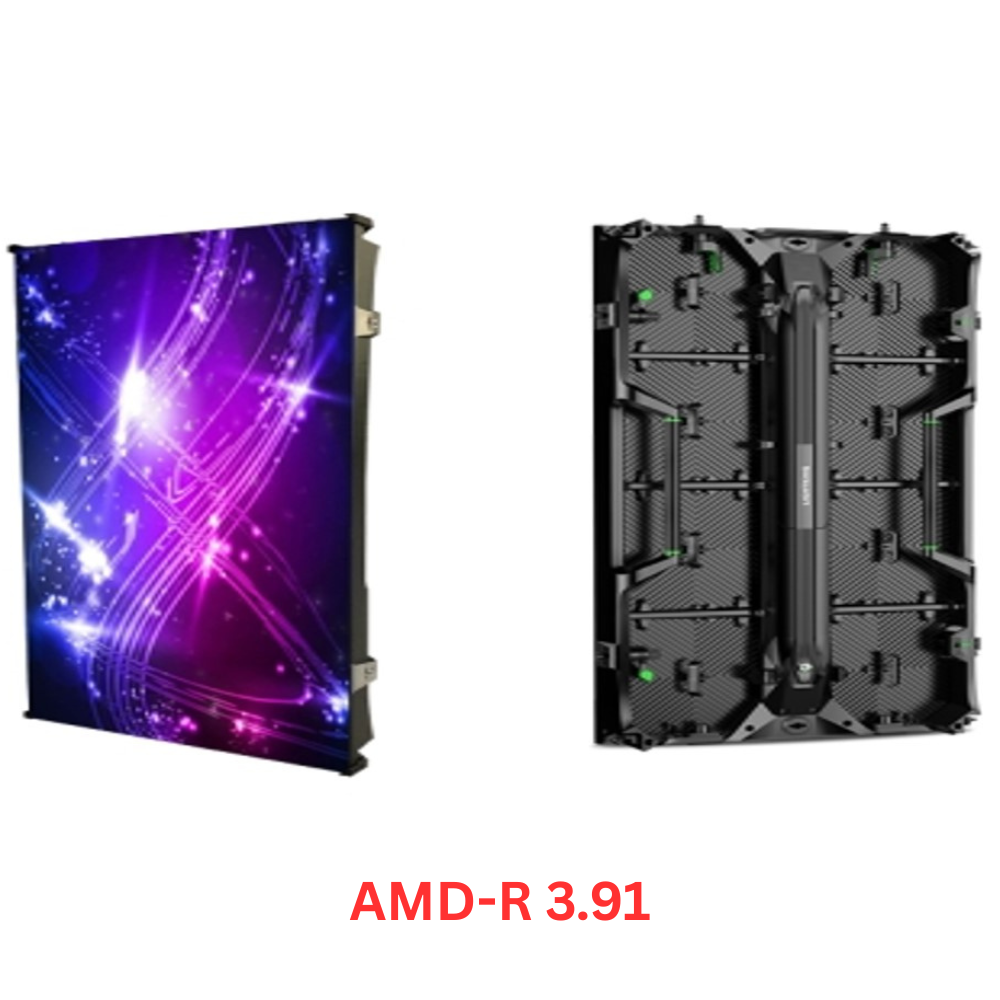
Outdoor Panels to Build the Sign
These three outdoor builds cover the range a government sign usually needs, from a roadside message board to a sharp pedestrian display at the door.


Frequently Asked Questions
What is a government LED sign used for?
It posts the messages a public building needs to share, including meeting schedules, closures and detours, weather and public safety alerts, deadlines like permit renewals, and event or recognition notices, all updated from a desk in seconds.
How bright should an outdoor government sign be, and does it dim at night?
It runs bright by day to beat the sun, often several thousand nits, and then dims automatically at night through a light sensor. Most local sign codes cap night brightness, commonly near 0.3 footcandles over ambient, so automatic dimming is a requirement, not an extra.
What pixel pitch does a government LED sign need?
It depends on reading distance. A sign read from the road can use a coarser pitch, while a sign people read on the sidewalk needs a finer one. Size the pitch from the nearest reader who has to see clean text.
Are government LED screen signs TAA compliant?
Government LED screen signs can be, and for federally funded work, they usually must be. Specifying hardware that documents its origin up front keeps the purchase from stalling when procurement checks where each part was made.
Can a government LED sign show emergency alerts?
Yes. The content software can hold a weather or public safety message and override the normal schedule the moment it is needed, then return to the regular rotation once the alert clears.
What are interactive displays for government used for?
Interactive displays for government are touch kiosks placed inside buildings for wayfinding, permit lookups, bill pay, and self-service. Because they are public technology, they must meet Section 508 accessibility standards.
The Sign Residents Read First
A public building speaks through the sign at its curb before anyone reads a word on its website. Government LED signs are worth getting right because they carry the agency’s voice to the people who drive and walk past every day. Settle the location, size the pitch for how it will be read, meet the night brightness rules, and buy hardware that clears procurement, and the sign will do its quiet public job for the next decade.
Daylight Bright · Auto Dimming · TAA Compliant
Need a Sign Out Front That Updates in Seconds?
Tell us where the sign goes, how far people read it from, and whether it faces one direction or two. We will size the pitch, set the night dimming, and send pricing you can take straight to procurement.
