
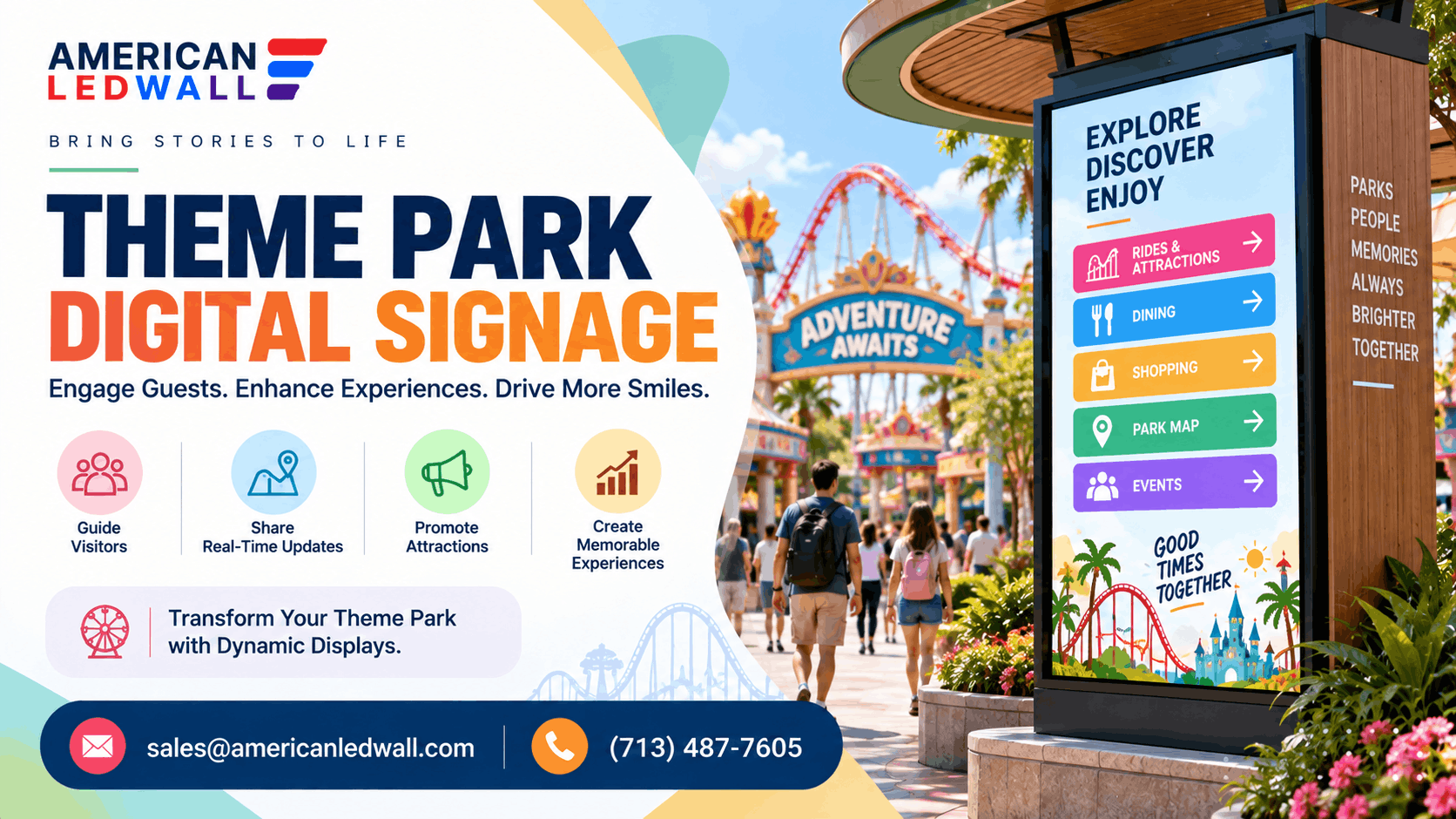
Picture a family walking through the front gate on a July afternoon. It is 95 degrees, the paper map in their hands is already damp, and three of the rides they came for have hour-long lines they cannot see yet.
One screen at the plaza changes that whole afternoon. It shows live wait times, points them toward a shaded show starting in ten minutes, and flashes the lunch special two paths over. That is the job theme park digital signage does when it is planned well.
Short answer: Theme park digital signage is the set of screens that guide guests, post ride wait times, run food menus, and carry safety messages across a park. Two things decide whether it works: matching each screen to its exact spot, and building every outdoor unit to survive sun, rain, and a full season.
This guide is for parks, water parks, family entertainment centers, and the dealers who build for them. You will see where screens actually help, what a real park does with wait times, how to match a display to each spot, and what the whole thing tends to cost.
You will also see vendors promise the world here, with claims like revolutionizing theme parks with digital signage solutions and screens that somehow pay for themselves overnight. Skip the promises and look at what these systems really do.
What Screens Do Best Inside a Park
Digital signage for theme parks helps most in a handful of specific spots, not everywhere at once.
At the gate and main plaza, a large screen handles the most important messages of the day. It welcomes crowds, lists show and parade times, and carries anything you need everyone to catch, whether that is a weather delay or a character meet-and-greet moving up an hour.
Wayfinding is the next win. Large parks are easy to get lost in, and a bright map screen that people can read from twenty feet cuts the number of families circling back to guest services. Add live ride wait times to that map, and you change how the crowd spreads out, which quietly protects your busiest queues.
In the queues themselves, screens do real work. Queue line digital signage does not move the line faster, but it makes the wait feel shorter with trivia, ride facts, bloopers, or a countdown to the next launch. Studies in retail and transit have measured screens cutting the wait people feel by as much as 35 percent, and the same effect keeps park queues calmer. A line is also the best place you have to point guests toward a table-service restaurant or a season-pass upgrade.
Around food and retail, digital menu boards for theme parks pay off twice. They read better than printed boards, and you can swap them by time of day and weather, so hot chocolate leads on a cold morning and frozen lemonade takes over by noon. On a wet afternoon, the same screens near a shop can push ponchos and umbrellas while people are actually looking for them.
Safety runs underneath all of it. When something goes wrong, a lost child, a ride closure, or an evacuation, the screens you already use for fun become the fastest way to reach a crowd at once.
Amusement parks run the same screens with an even sharper focus on weather sealing, which our amusement park signage guide covers in more depth.
A Real Example: How Big Parks Handle Wait Times
Walt Disney World is the example most people have seen without thinking about it. At the entrance to a ride, a digital board posts the current wait, and a staff member updates it as the line grows or clears. The same number shows up in the My Disney Experience app, so a guest gets it whether they look up at the screen or down at their phone.
That pairing is a useful lesson. The app is not a reason to skip screens. Plenty of guests never download it, phones die by mid-afternoon, and nobody wants to stare at a map while herding tired kids. The physical board catches the walk-up traffic the app misses, and the app catches the planners who want to check three rides from across the park. You want both to do the job they are good at.
You do not need Disney-scale systems to get this. A few outdoor screens at key junctions, updated by staff on a tablet, deliver most of the benefit at a fraction of the price.
One honest point is worth adding here. The screen shows the wait number, but it does not work it out. That figure comes from a queue-management system, whether a staff member types it on a tablet or scanners, and the park app calculates it, and the content that plays across every screen runs on a separate signage platform. American LED Wall supplies and installs the displays. The wait-time engine and the content software come from a software partner, so budget for both.
Matching the Screen to the Spot
The single spec that decides most park screens is brightness. A living-room TV runs around 300 to 400 nits and washes out by mid-morning outdoors. A theme park LED display for a sunny plaza needs far more.
| Placement | Typical brightness |
| Indoor, controlled light (ticketing, lobbies) | 600 to 1,500 nits |
| Covered or shaded outdoor (queues, concourses) | 2,500 to 4,000 nits |
| Full sun (entrances, plazas, parking) | 5,000 to 8,000 nits |
Pixel pitch is the other half of the decision. Pitch is the gap between LED points in millimeters, and it sets how close a person can stand before the picture breaks into dots. A rough rule: the smallest comfortable viewing distance in feet is about three times the pitch in millimeters.
| Pixel pitch | Comfortable from | Good for |
| 1.9 mm | about 6 feet | ticketing halls, indoor wayfinding, guest-service screens |
| 2.6 mm | about 8 to 9 feet | queue-line screens, concourses, food-court menus |
| 3.9 mm | about 13 feet | large plazas, entrance walls, big-format displays |
For indoor LED screens where guests stand a few feet away, a finer pitch looks sharp, and you can turn brightness down. For a theme park LED video wall at the entrance that a whole crowd reads from across a plaza, a larger pitch with high brightness makes more sense, and it costs less per square foot than fine-pitch would at that size. Anything sitting in open weather, whether it is a full LED display for theme parks at the gate or one board in a queue, has to be an outdoor-rated unit or live inside a proper enclosure. This is where direct view LED walls fit, since the sealed cabinet is the weatherproofing itself.
Displays to Match Those Spots
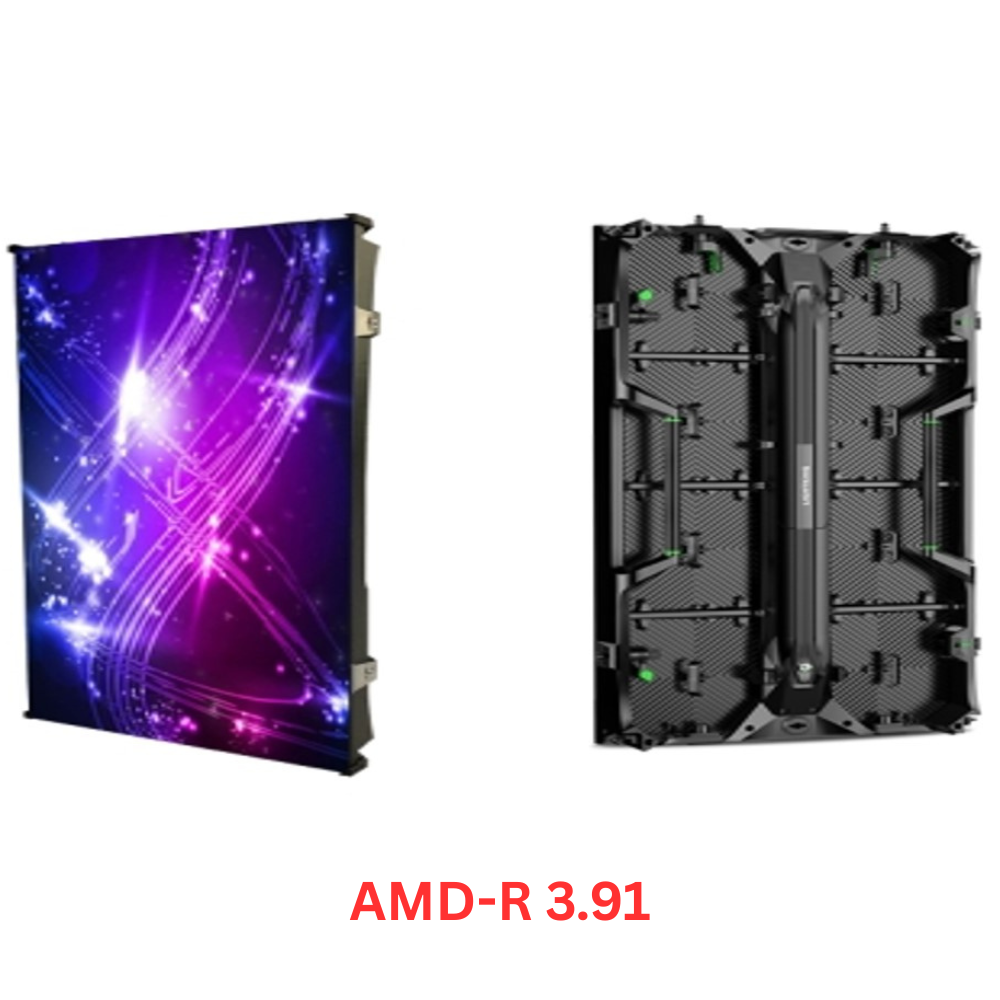
If you want a starting point for matching a display to each of those spots, here are three outdoor-capable series from our lineup.


What a Theme Park Digital Signage Rollout Really Costs
The short version: cost is driven by screen size, pixel pitch, and how much the screen faces the weather, so indoor wayfinding runs cheaper per square foot than an outdoor entrance wall. Here is a working range to plan around. Treat these as ballpark figures and confirm current pricing for your build.
| Screen type | Typical installed cost |
| Indoor wayfinding or ticketing wall (fine pitch) | 1,000 to 2,500 US dollars per sq ft |
| Queue or concourse screen (mid pitch) | 700 to 1,500 US dollars per sq ft |
| Outdoor entrance video wall (weatherproof) | 1,200 to 3,000 plus US dollars per sq ft |
The panel is only part of the bill. Budget for a controller or media player, the mount or steel structure, content software, installation, and running power and network to each spot, which is often the cost people forget in a spread-out park. Over a few years, you will also spend on content updates, the odd repair, and eventual replacement.
The spread is wide on purpose. A family entertainment center can put a real system in for a low five-figure budget: a couple of outdoor screens up front, menu boards inside, and one person managing content. A full park covering every plaza, queue, and food stand is a six or seven-figure project phased over seasons. Our LED video wall pricing guide breaks the per-square-foot math down further if you want to model your own layout.
The Details That Decide Whether It Lasts
Most guides stop at what a screen can show. The parts that decide whether it survives a season are power, weather, and uptime.
Power comes first, because outdoor high-bright displays are hungry. A large sun-readable wall can pull several hundred watts and up, which shapes both your wiring and your energy bill. Getting clean power and a reliable network to a screen on the far side of a park is real work, so plan the cabling before you commit to a location. Where trenching is not worth it, screens with cellular or a built-in player can skip the network run.
Weather is the next filter. An outdoor screen at the gate faces sun, rain, dust, and big temperature swings. Outdoor-rated LED is sealed to IP65 on the front and back and runs across a wide range, roughly minus 4 degrees F to 122 degrees F on commercial units. Put an indoor panel outside to save money, and you will be replacing it, so any spot that sees weather needs an outdoor-rated display or a sealed enclosure. Our weatherproof outdoor displays are built for these open-air spots.
Uptime is the part parks feel most. A dead or frozen screen in a busy plaza is worse than no screen, because guests notice. Pick a system with remote monitoring so you learn a display is down before a guest tells a staff member, keep a spare or two on hand for peak season, and get a clear support commitment from whoever you buy from.
How to Start Without Overspending
You do not have to wire the whole park at once, and you should not.
Start with one or two spots where a screen clearly earns back its cost: the entrance, your longest queue, or your busiest food stand. Run them for a season, watch what happens to wait-time complaints and per-guest spend, and use what you learn to plan the next round. A phased theme park digital signage rollout spreads the cost across budgets and lets you fix mistakes on two screens instead of fifty.
Match the screen to the spot every time, using the brightness and pitch guidance above. If you also run indoor concourses or covered walkways, the zoning ideas in our airport signage setups guide carry over well, since airports solve the same crowd-reading problem indoors.
Frequently Asked Questions
How do theme parks use digital signage?
Parks use digital signage for wayfinding maps, live ride wait times, show and parade schedules, food-court menu boards, retail and upsell offers, and emergency messages. The same screens switch to seasonal artwork for events like Halloween or the winter holidays with no reprinting.
How much does a theme park LED display cost?
A single indoor LED display for wayfinding or ticketing often runs 1,000 to 2,500 US dollars per square foot, while a large outdoor entrance video wall can run 1,200 to 3,000 US dollars or more per square foot installed because it needs higher brightness, weather sealing, and a support structure. A small pilot of a few screens can start in the low five figures, and a park-wide network runs into six or seven figures.
What size LED screen do theme parks use?
Entrance and plaza video walls are often 10 to 30 feet wide so crowds can read them from a distance, while queue-line and menu screens usually sit in the 55-inch to 110-inch range. Size follows viewing distance and how many people need to see the screen at once.
Indoor vs outdoor LED displays for theme parks?
Indoor displays use finer pixel pitch and lower brightness because guests stand close and the light is controlled. Outdoor displays need much higher brightness, around 5,000 nits or more, plus weather sealing and heat management so they stay readable in direct sun and survive rain, dust, and temperature swings.
Are theme park LED screens weatherproof?
Outdoor-rated LED displays are built to an IP65 seal on the front and back, which keeps out rain and dust, and they run across a wide temperature range. Indoor panels are not weatherproof, so any screen in an open plaza, queue, or entrance needs an outdoor-rated model or a proper enclosure.
How do queue line displays cut wait times?
Queue line displays do not shorten the actual clock, but they lower the wait that guests feel by giving them something to watch, such as trivia, ride facts, countdowns, or the next departure time. Retail and transit studies have measured the wait people feel dropping by as much as 35 percent when screens are present, and the same effect keeps park lines calmer.
Get a Layout and Budget
The parks that get this right treat screens as working equipment, matched to each spot and planned around power, weather, and content, not as decoration added at the end.
If you are planning theme park digital signage for a new season or a full rebuild, send American LED Wall your park map and the spots you want to cover. The team will spec the pitch, brightness, and screen size for each one, and give you a real budget to work from.
If you want a rough number before you talk to anyone, our LED wall calculator sizes a screen and its resolution in about a minute.
Entrance Video Walls · Wait-Time Boards · Weatherproof
Planning Digital Signage for a Theme Park?
Tell us your park map and the spots you want to cover, the front gate, the busiest queue, the food court. We will spec the brightness, the pitch, and the screen size for each one, then give you a straight, itemized price for the display side.
